Everyday routines
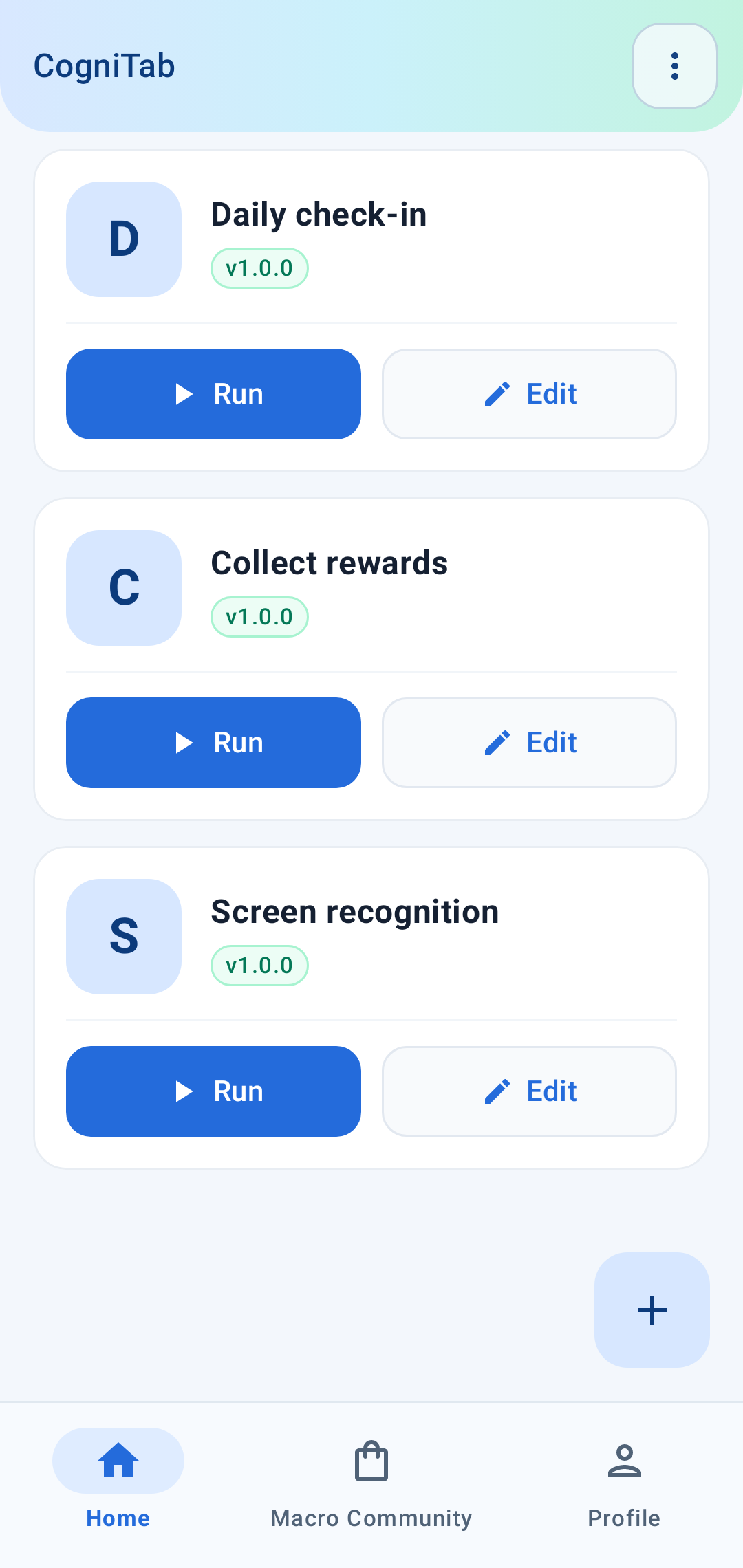
Bring your repetitive taps and swipes together in a macro you can run again.
A little less routine. A lot more possibility.
Turn the things you do over and over into flows that work for you. Build visually, react to what’s on screen, or take control with Python.
YOUR IDEAS. YOUR WAY.
A visual workflow when you want to move quickly. Python when you want to go deeper. Screen recognition to connect it all.
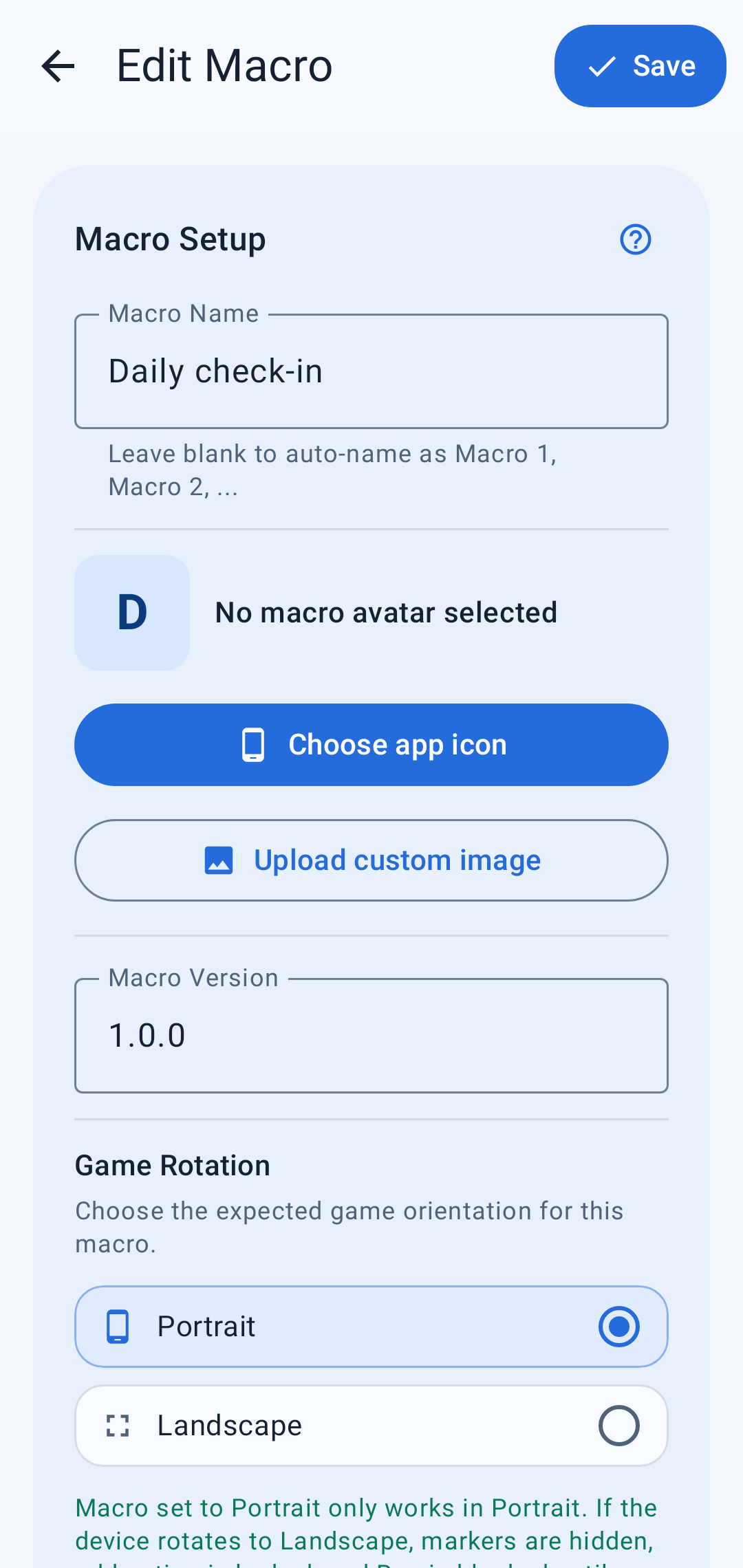
Combine actions into a clear sequence: open an app, tap, swipe, wait, and repeat. Edit your macro right on your phone.
MADE FOR THE WAY YOU WORK
Bring your repetitive taps and swipes together in a macro you can run again.
Use images, text, and conditions to decide when your automation moves forward.
Discover shared macros, build on new ideas, and share your own with the community.
Keep play, pause, and stop within reach with floating controls over your apps.
IDEA → YOUR FIRST WORKING FLOW
Start with the basics, explore practical examples, and find the API you need. The CogniTab documentation is right here, whenever you’re ready.
Read the getting started guideYOUR NEXT FLOW STARTS HERE
You bring the idea. CogniTab brings the tools.